When choosing an Apple Watch band, it’s worth treating two measurements separately: the connector size that fits the watch case and the band size that suits your wrist circumference. Getting either of them wrong can lead to an uncomfortable fit or a band that doesn’t sit properly. First check your watch’s case size, then measure your wrist, and finally consider which material and fastening suit your everyday use.
1. Check that the watch case and band are compatible
For the 42 mm marking, the generation matters too. Before buying, check your watch’s exact model and the compatibility list on the band’s product page. Bands made for the early 42 mm Apple Watch models and those offered for the smaller 42 mm case introduced with Series 10 are not in the same size group. So don’t order based on the “42 mm” label alone.
For example, Apple’s current 42 mm Black Unity Sport Loop product page lists the 38, 40, 41 and 42 mm case sizes together. For older 42 mm models, however, the relevant group is 42/44/45 mm in Apple’s guide to changing your band. Details about models and sizes on the product page always take precedence over a condensed size chart.
| Your watch | What to consider when choosing a band |
|---|---|
| 38, 40 or 41 mm case | Look in the smaller size group; also check the specific compatibility list for newer 42 mm bands. |
| Early 42 mm model | This belongs to the older, larger size group. Check the generation when you see the 42/44/45 mm marking. |
| Series 10 or later, 42 mm case | Choose a band that fits the newer, smaller 42 mm case; don’t confuse it with an early 42 mm model. |
| 44, 45 or 46 mm case | Look in the larger size group, based on the selected band’s product page. |
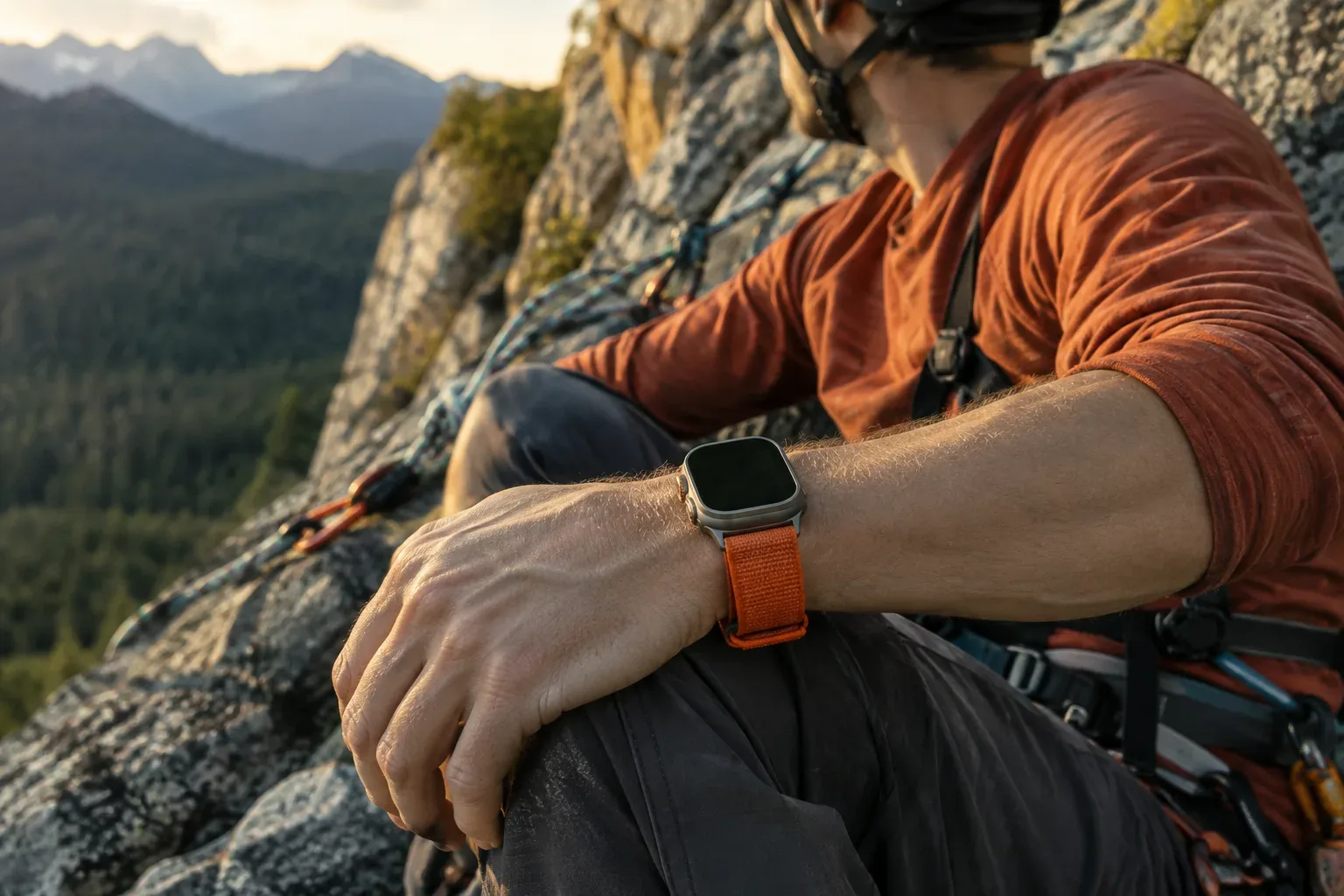
| 49 mm Ultra case | Check the Ultra bands and their intended use. Apple identifies compatible 44, 45 and 46 mm bands as suitable for normal, everyday wear. |
For sport, the fastening and intended use of the specific band matter as well as its size. If you’re not sure which watch you have, first follow the steps to identify your model, and only then choose a band.
2. Measure your wrist rather than guessing
The connector size alone doesn’t tell you whether the band will fit properly around your wrist. Apple’s buying guide also recommends choosing your watch case size and band style first, then measuring your wrist accurately. The required band size can depend on the type, so don’t automatically base your choice on the size of a band you’ve used before.
- Check your watch’s size in the device information, or find it in your purchase documents.
- Choose the band type, then find the current sizing guide for it.
- Measure around your wrist as directed in the guide, and compare the result with the band’s stated size range.
- For Solo Loop or Braided Solo Loop bands, pay particular attention to the current sizing guide: Apple notes that sizing for these has changed.
If you’re between sizes, don’t choose based only on how tightly you generally like to wear a band. The fastening and material also affect how adjustable it is. For help, use Apple’s Apple Watch buying and sizing guide, and check which wrist size the specific version is designed for.
3. Choose a material and fastening to suit how you’ll use it
No one band is equally comfortable for everyone. When choosing, consider whether you’re looking for a band for daytime wear, exercise or occasional use, how important quick adjustment is, and whether there are any materials you’d rather avoid.
Woven fabric and adjustable fastening
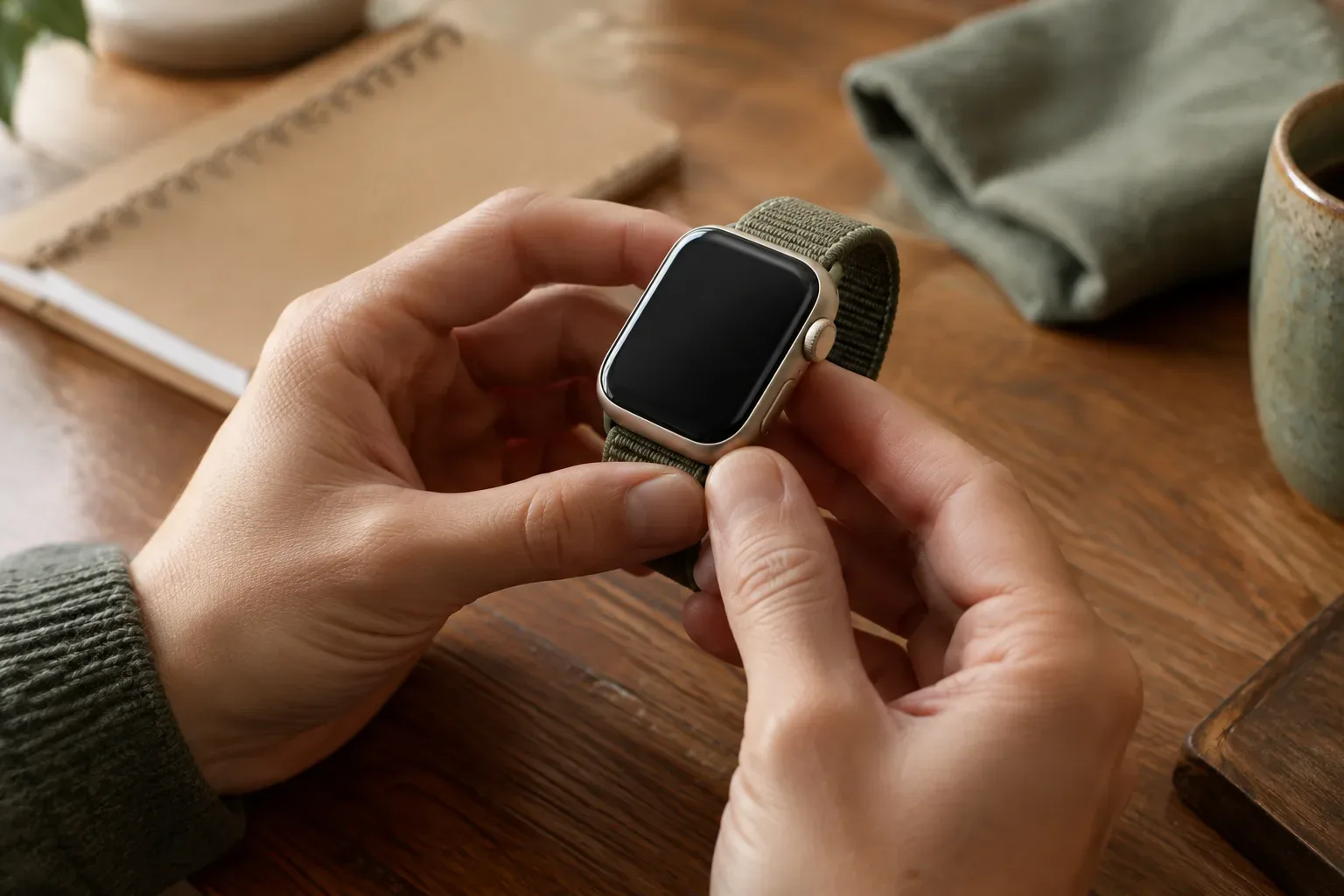
A woven sport band with a hook-and-loop fastening is infinitely adjustable, making it easy to alter the fit if you want to adjust it while wearing your watch. The description of one of Apple’s sport bands mentions several types of recycled synthetic yarn and a padded surface on the side against the skin. This is a feature of a specific product, not a general guarantee that every woven band is made the same way: always read the material description for the model you choose.
Solo Loop and easy on-and-off
The Solo Loop has a stretchy, clasp-free design, which can make it easy to put on and take off. Apple describes one such product as made of silicone and as water- and sweat-resistant. However, stretchiness doesn’t replace correct sizing: the band may feel too tight or too loose if you choose a size that doesn’t suit your wrist.
Metal and leather bands
For a band containing metal parts, check its material composition, especially if you’re sensitive to certain metals. Apple says that the metal parts and magnets in some watches and bands may contain small amounts of nickel. Leather bands need different care: Apple says they are not water-resistant and should be thoroughly dried after cleaning. The product description and care instructions for the specific model should be your guide.
4. How to check that the fit is comfortable
Apple recommends wearing the watch above the wrist bone, a little further up your arm from your hand. The back should be in contact with your skin, and the band should be snug but comfortable. If the watch moves around or the back doesn’t stay properly against your skin, adjust the band. If you feel pressure, tightness or discomfort, loosen it or try another size.
During exercise, Apple says it’s a good idea to tighten the band, then loosen it afterwards. This doesn’t mean the band should be painfully tight: the goal is a stable, comfortable fit. When trying it on, move your wrist and bend your hand, and check whether the clasp, edge of the band or any harder part presses against your skin. Apple’s wearing guide also covers proper fit and possible causes of sensitivity.
5. Cleanliness, skin-friendly wear and checks before buying
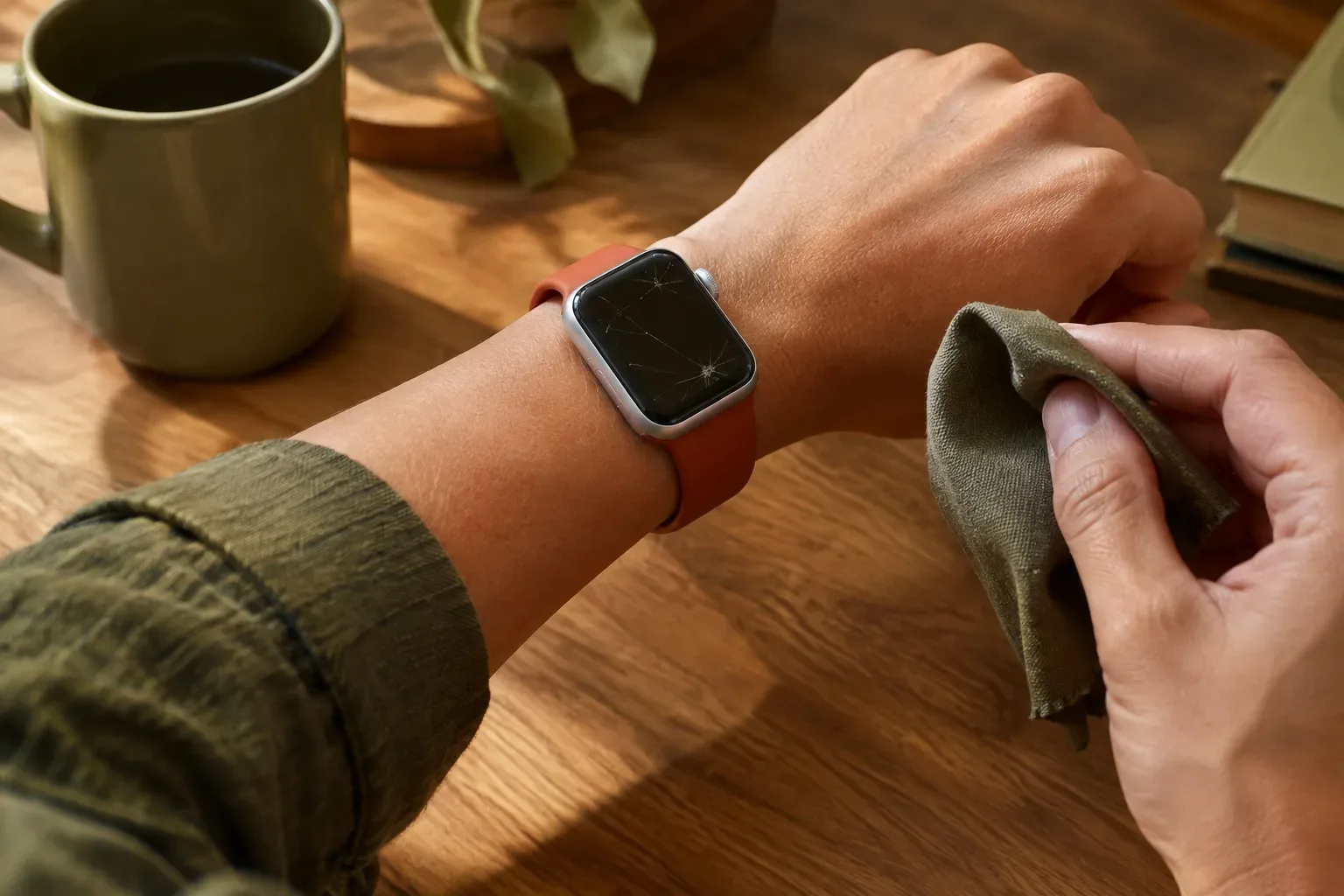
Keep your watch and band clean and dry, especially after sweating or contact with water. Along with sweat, soap, sunscreen and cream can also contribute to skin irritation. If you notice redness, swelling or itching, Apple recommends consulting a doctor before wearing the watch again. Different materials may require different cleaning instructions, so follow Apple’s cleaning guide and the band’s own care instructions.
Before buying, run through this quick checklist:
- You know the exact size of your watch case, and the band’s product page lists compatible sizes.
- You’ve measured your wrist according to the guide for the band type you’ve chosen.
- You’ve considered what kind of fastening is comfortable and what material suits your everyday use.
- You’ve checked the material composition and cleaning instructions, if these are important to you.
In short: first find a band that fits your case, then choose the size for your wrist, and finally narrow down the options based on material and fastening. If you haven’t chosen the watch itself yet, this guide to comparing different Apple Watch models can also help you work out the case size.
Find more practical guides in the Apple Watch knowledge base and the Bands and Accessories section.
Sources and further information
- Change your Apple Watch band - Apple Support (HU)
- Buy Apple Watch Series 12
- Wearing your Apple Watch - Apple Support (HU)
- 42 mm Stone Sport Band
- 46 mm Black Solo Loop – Size 0
- Clean your Apple Watch - Apple Support (HU)
- https://support.apple.com/hu-hu/108908
- https://support.apple.com/hu-hu/118234
- https://www.apple.com/hu/shop/buy-watch/apple-watch
- https://support.apple.com/hu-hu/111985
- https://www.apple.com/hu/shop/product/mya33zm/a/46-mm-es-fekete-k%C3%B6rp%C3%A1nt-0-s-m%C3%A9ret?fnode=12fb08f6fd148d0c4f45e081a03f794626a1eedd52f08fe467292d04cdf52ca5d910c03d45569a0a7f67c6603d4749ba4a15df828fb3a607cfd11988c8fd13193f7c037bf2caa46af550465b942aec7d
- https://support.apple.com/hu-hu/118490
- https://support.apple.com/hu-hu/108056
- https://support.apple.com/hu-hu/111891
- https://www.apple.com/hu/shop/product/mkah4zm/a/49-mm%E2%80%91es-homoksz%C3%ADn-terep-p%C3%A1nt-s-m-fekete-tit%C3%A1n?fnode=12fb08f6fd148d0c4f45e081a03f794626a1eedd52f08fe467292d04cdf52ca5d910c03d45569a0a7f67c6603d4749ba4a15df828fb3a607cfd11988c8fd13193f7c037bf2caa46af550465b942aec7d
- Apple – 42 mm Black Unity Sport Loop: compatibility