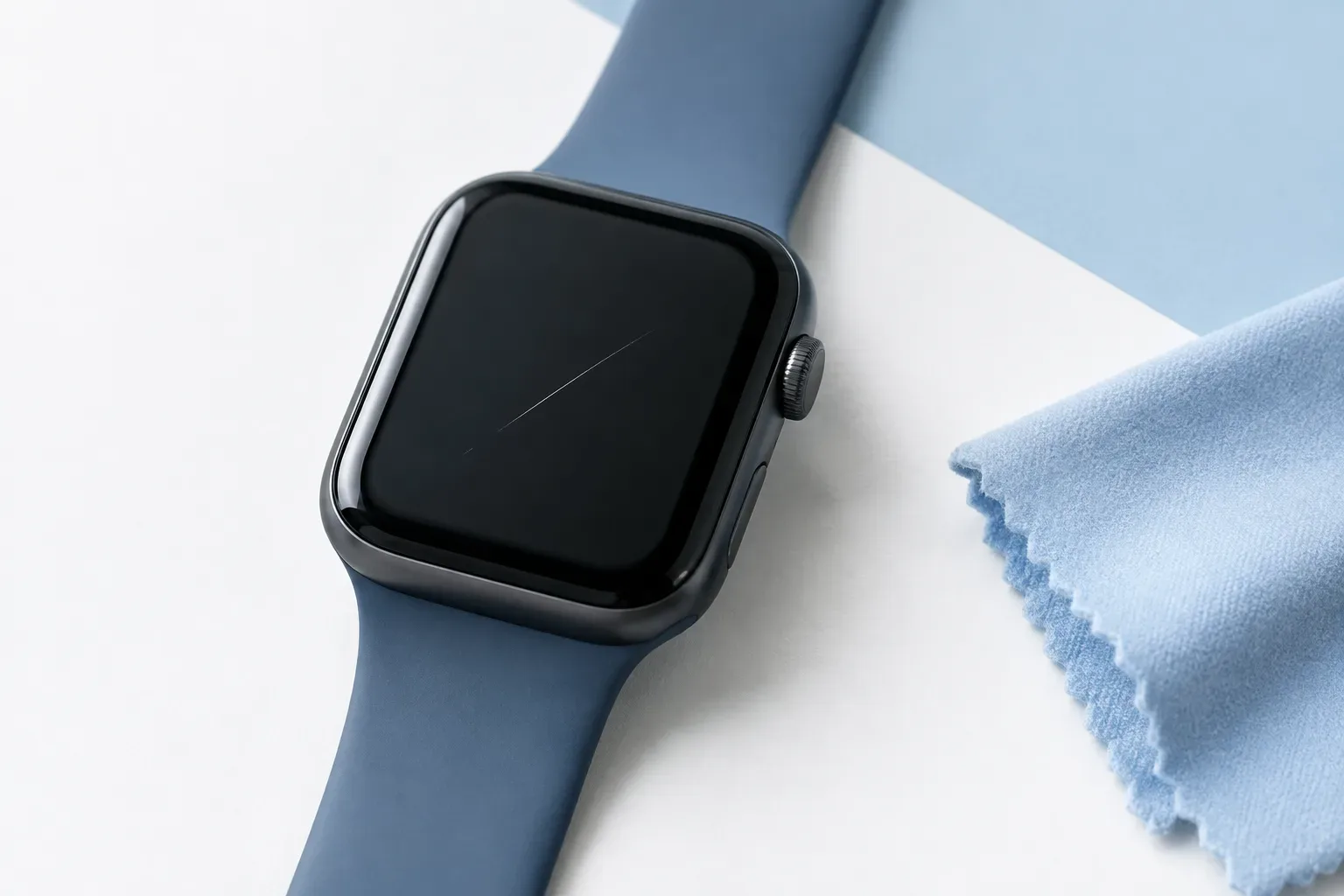
A thin line on the display may initially look like an obvious scratch, but it is not always possible to tell exactly what you are seeing from a photo or a quick glance. Before an assessment, do not try to remove it at home: take comparable photos, write down what you observe, and clean the watch gently. This information can help show the mark, but on its own it cannot determine what caused the damage or whether it can be repaired.
Document it first, then clean it
If the mark is visible before cleaning, take a photo of it first. This preserves a record of the condition in which you noticed it. Taking photos is not an official inspection method, and they do not replace an in-person examination of the device; they may, however, help you avoid having to rely on memory to describe where and how the line appeared.
- Take a photo of the entire watch so it is clear which device you are referring to.
- Also take a closer photo of the affected part of the display.
- If the mark is difficult to make out, try taking photos from several angles and in different lighting conditions.
- Keep the original photos and do not edit out the mark.
Do not worry if the camera does not capture exactly what you can see with the naked eye. The purpose of the photo is to record what you observed, not to assess the damage.
What should you note about the mark?
A short, factual description is more useful than a conclusion reached in advance. Note what you can actually observe:
- Location: the centre, edge or one of the corners of the display.
- Shape: whether it looks straight or curved, and whether you can see one line or several marks.
- Surrounding area: whether there is a chip or crack nearby. If you are not sure, write that it is unclear.
- First noticed: when you noticed it, and whether there was an impact or another memorable event beforehand.
- Changes: whether it was still visible later in different lighting or after cleaning.
You do not need to determine whether it is a scratch, dirt or another kind of mark. An accurate description helps ensure that this is not treated as a settled fact before the inspection.
Cleaning: be gentle and do not rub
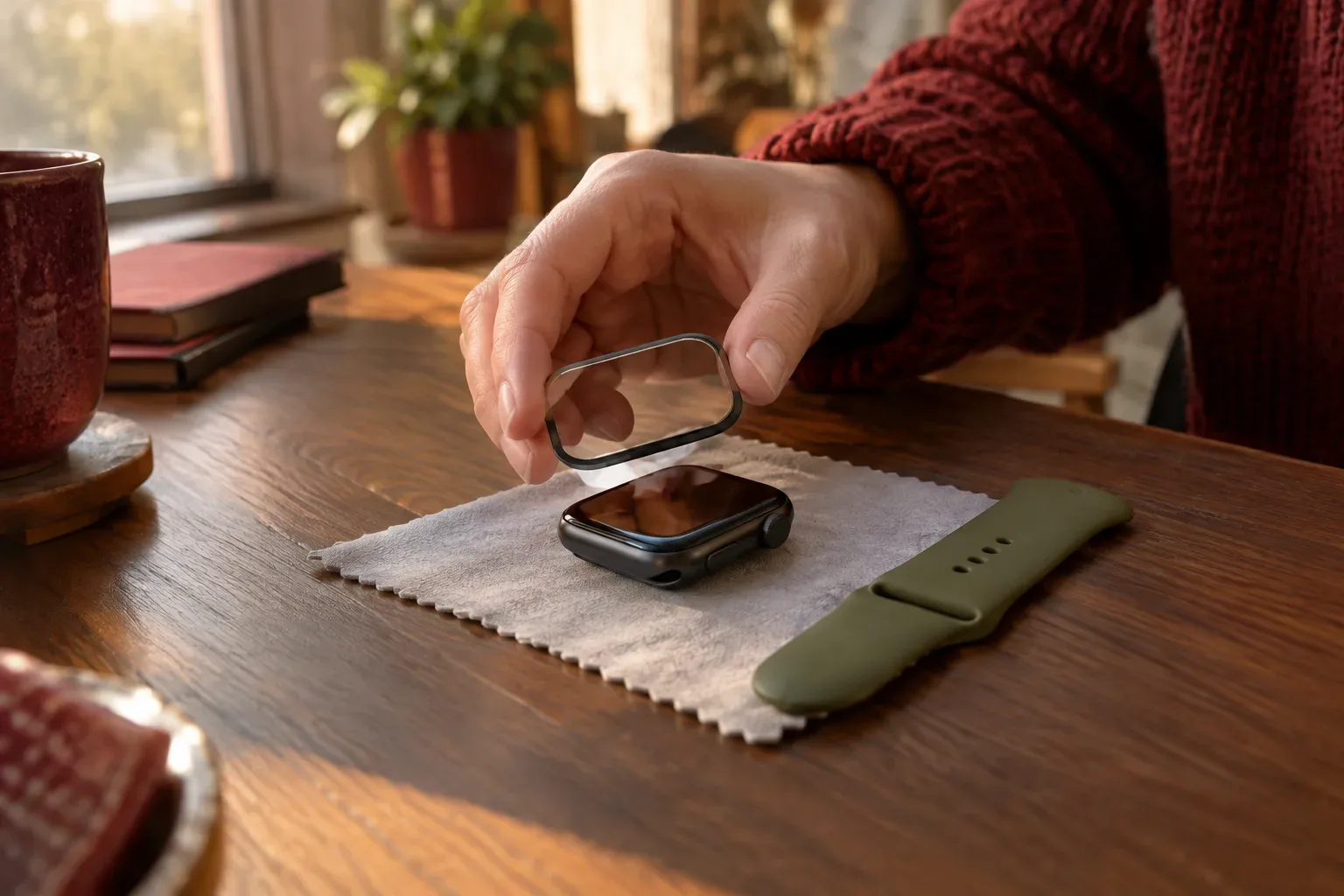
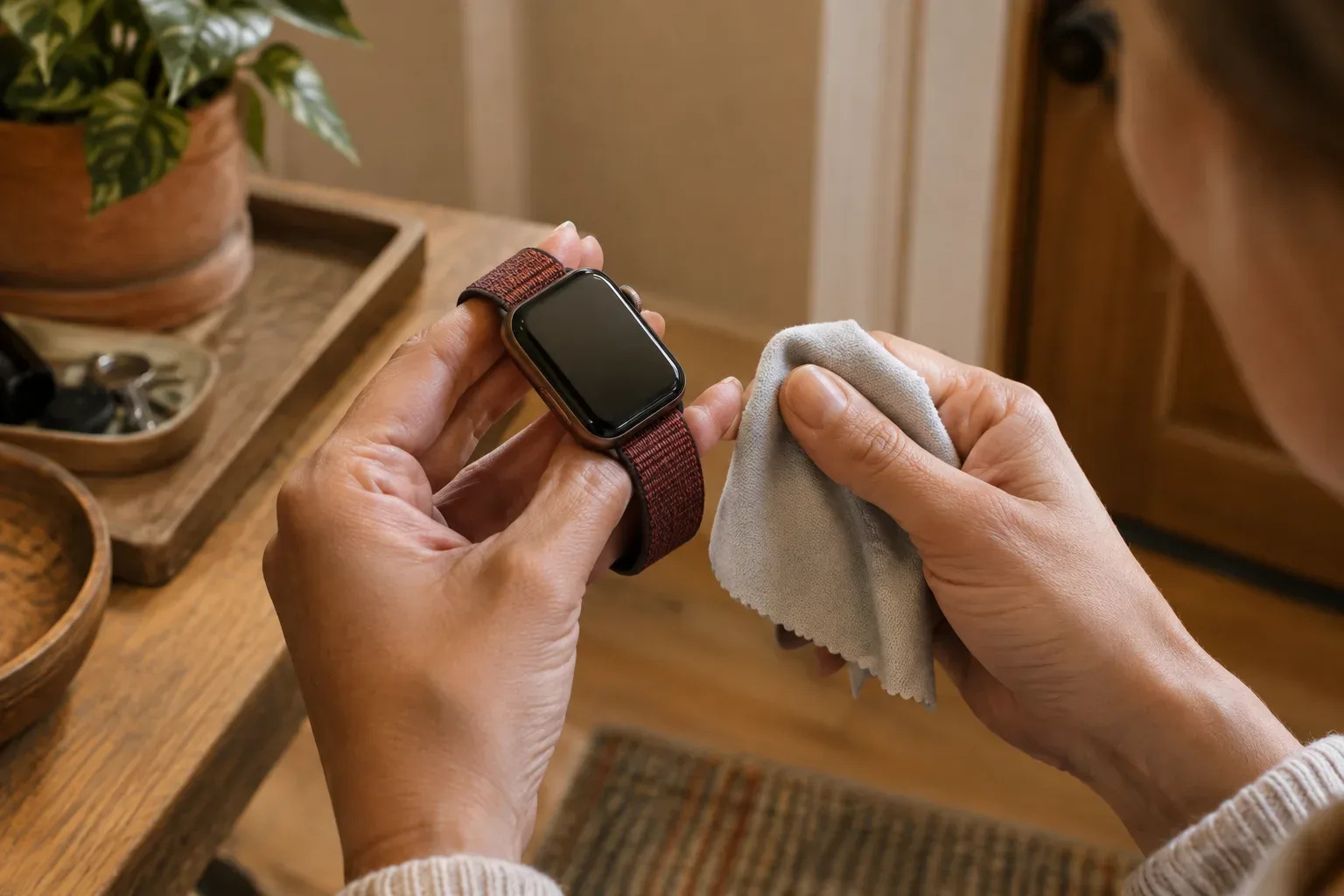
After documenting the mark, clean the watch if needed in accordance with Apple’s guidance. Apple recommends turning off your Apple Watch and removing it from the charger before cleaning. Use a soft, non-abrasive, lint-free cloth; if necessary, you can slightly dampen the cloth. Avoid abrasive materials, cleaning products and other harsh cleaning methods. Detailed guidance is available on the Apple Support page about cleaning your Apple Watch.
Do not try to remove the line with toothpaste, polishing compound, an abrasive cloth or another home remedy. Apple does not recommend polishing or abrasively buffing Apple Watch. Take another photo after gently wiping it, and note whether the mark is still visible. A photo taken after cleaning can be a useful addition, but it cannot establish the mark’s origin with certainty either.
Pay attention to how it works as well as how the mark looks
For the assessment, note whether you have noticed anything unusual when using the display. For example, mention if you see a visible irregularity on the display or have an issue with touch functionality. Be factual: what you did, what you saw and when it happened. Do not assume that a symptom was definitely caused by the hairline scratch, because an observation on its own does not prove a cause-and-effect relationship.
If a crack or chip is also visible, mention it separately and take a close-up photo. Do not automatically call every thin line a hairline scratch: the inspection will establish what kind of mark it is. Add the date the photos were taken so you can tell later which condition they document.
What should you bring to the assessment?
A short note and a few clear photos can make it easier to explain what you observed. If you can, prepare the following:
- Photos of the entire watch and the mark, preferably including photos taken before and after cleaning.
- A short description of the mark’s location and visible appearance.
- The date you first noticed it, and any events beforehand, if known.
- Observations about how the display is working.
- The Apple Watch model, if you can provide it.
The model information may help identify the device more precisely. Apple lists different display materials for different Apple Watch models, but the model alone cannot tell you whether a particular mark can be repaired. For more information about materials and wearing your watch, see the Apple Support information about wearing Apple Watch.
What will the inspection establish?
The photos and notes are there to show what you observed; they do not replace an examination of the device and do not guarantee a predetermined outcome. According to Apple’s service information, technicians inspect Apple Watch in person and then explain the available options. The device itself must be examined to provide an individual estimate, so it is best not to assume in advance what the likely solution or available service options will be. Find out more in the Apple Watch service and repair information.
Quick checklist: photograph the mark before cleaning, note its location and the circumstances in which you noticed it, clean it gently only, then bring the photos, model information and observations about how it works. This will help you explain more precisely what you noticed without making a diagnosis in advance.
Find more practical guides in the Apple Watch knowledge base and under Display, scratches and damage.
Sources and further information
- How to clean your Apple Watch - Apple Support (IE)
- Apple Service and Repair for Apple Watch - Apple Support
- Wearing your Apple Watch - Apple Support (IE)
- https://support.apple.com/screen-replacement-program-apple-watch-series-2-3/other-countries
- https://www.apple.com/legal/warranty/products/warranty-us.html
- https://support.apple.com/watch/repair?services=service
- https://support.apple.com/watch
- https://www.apple.com/legal/sales-support/applecare/applecareplus/2603/260304_applecareone_us.pdf
- https://support.apple.com/en-ie/118234
- https://www.apple.com/legal/applecare/fees-deductibles/
- https://www.apple.com/legal/sales-support/applecare/applecareplus/2410/241103_applecareplus_apple-vision_aeen.pdf
- https://support.apple.com/en-ie/102868
- https://www.apple.com/legal/sales-support/applecare/applecareplus/docs/applecarepluscaen.html
- https://support.apple.com/repair?cid=gn-ols-repair-lp-get_help
- https://support.apple.com/en-ie/108893