Features and use
Control your iPhone camera from Apple Watch: how it works
With the Camera Remote app on Apple Watch, you can see your iPhone camera’s view on your watch, take photos remotely and start video recording.
Read articleWATCH KLINIKA CARE · BLOG
Apple Watch guides on choosing, using and caring for your display. Helpful answers from Watch Klinika Care.
24 results: Apple Watch · Clear filter
With the Camera Remote app on Apple Watch, you can see your iPhone camera’s view on your watch, take photos remotely and start video recording.
Read articleBefore paying for a used Apple Watch, pair it with your own iPhone. Find out what to do if the watch asks for the previous owner’s Apple Account.
Read articleApple Watch isn’t necessarily unusable without an iPhone: what you can do depends on whether you have a Wi‑Fi or mobile network connection, and what you’ve prepared on the watch.
Read articleApple Watch can connect to iPhone using more than just Bluetooth: when needed, it can also use a known Wi-Fi network or, on Cellular models, a mobile network.
Read articleSetting up a new Apple Watch or moving to a new iPhone? Follow the pairing steps and find out what to do if your watch won’t connect.
Read articleBack up your data, check the pairing settings needed for the repair, and protect your passcode. We’ll show you step by step what to take care of before service.
Read articleTo identify your Apple Watch with confidence, find its model number beginning with A, then check it against Apple’s official model identification list. We’ll show you the steps and what to do if you can’t pair your watch.
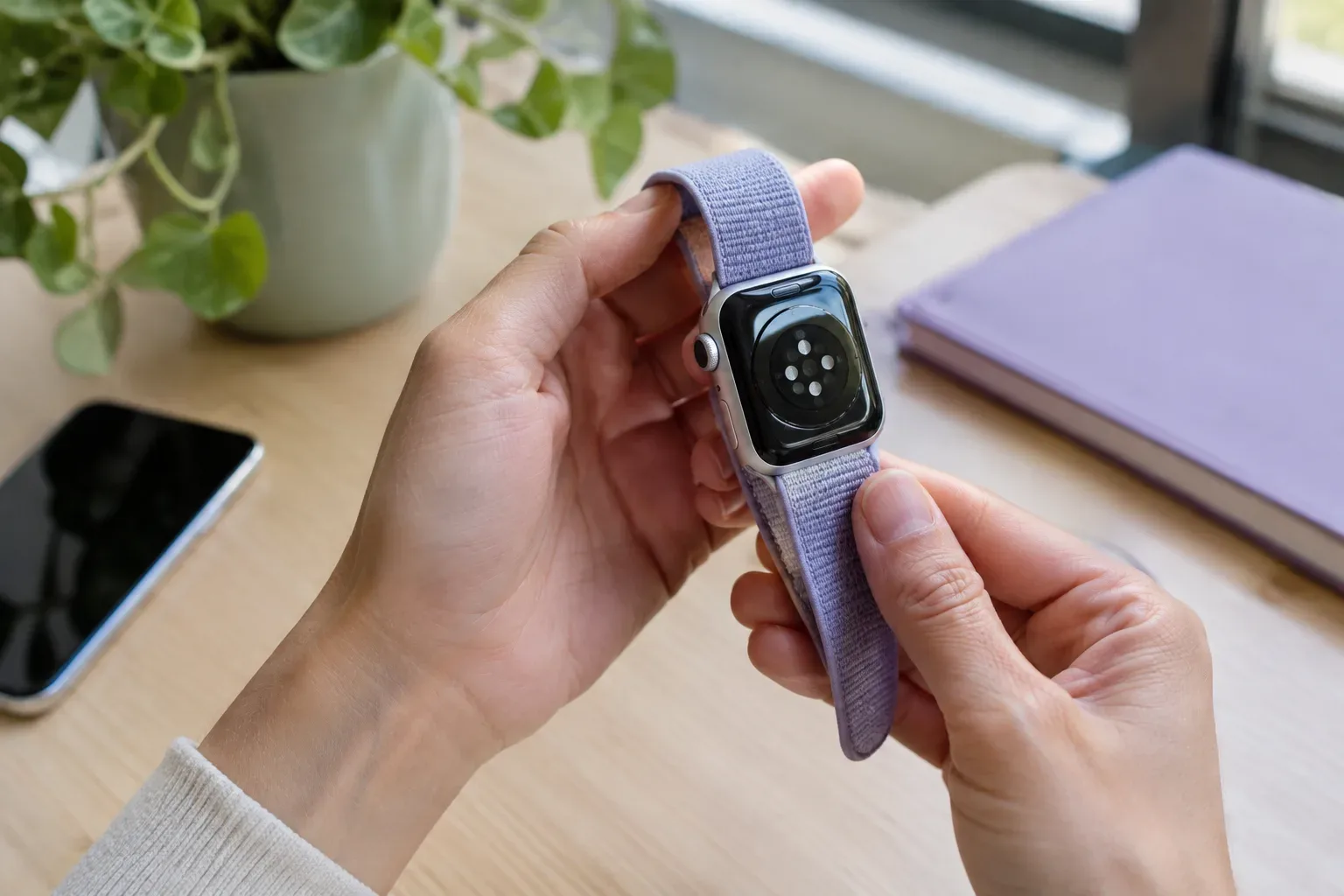
Read articleFor a comfortable Apple Watch band, first find a type compatible with your case size, then measure your wrist and choose a material and fastening that suit how you’ll use it.
Read articleReduce notification noise without turning everything off: choose notifications by app, use Notification Centre and set up Focus for uninterrupted periods.
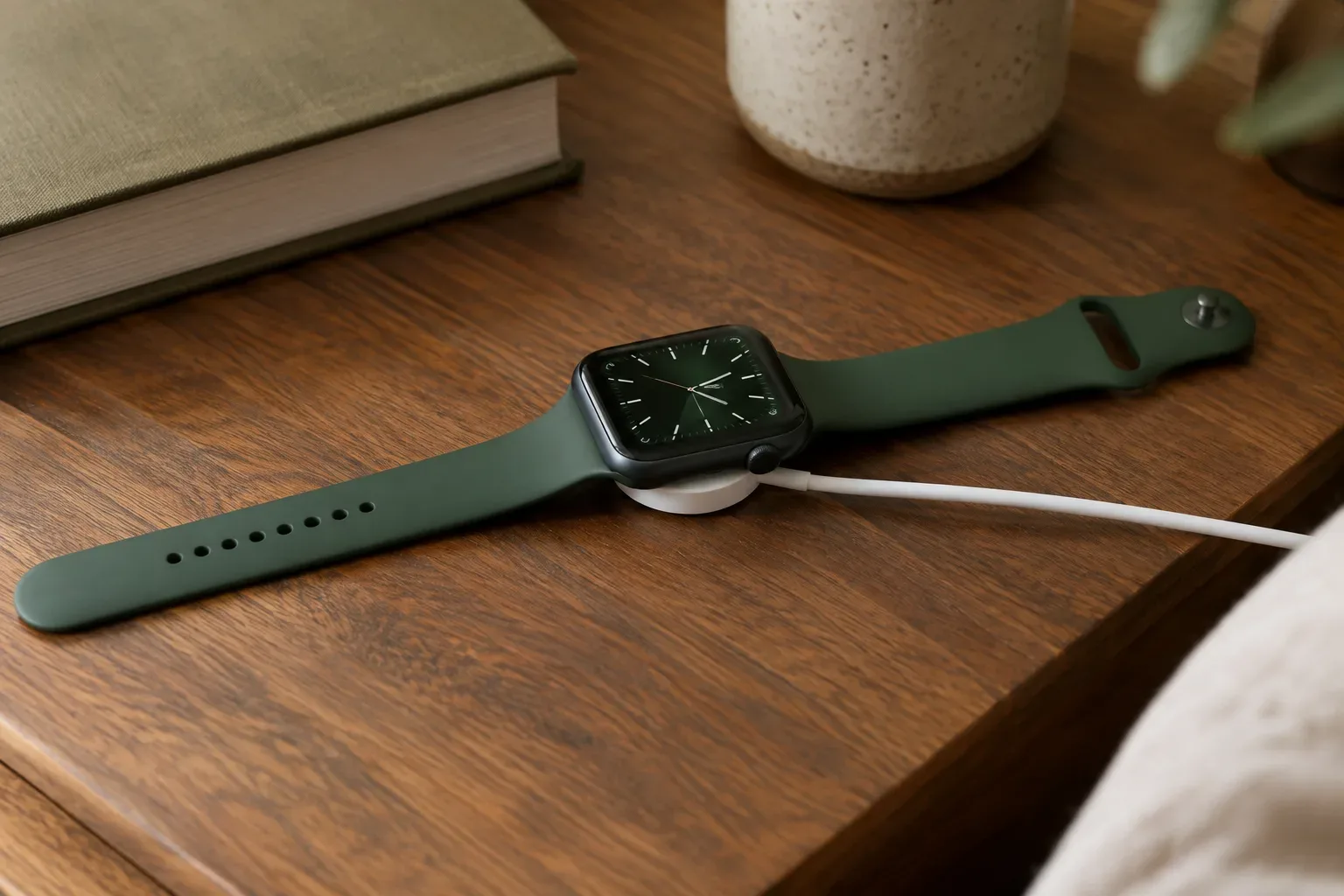
Read articleIf your Apple Watch isn’t charging, check the power source, alignment, cleanliness and temperature in turn. You can carry out these steps without taking the watch apart.
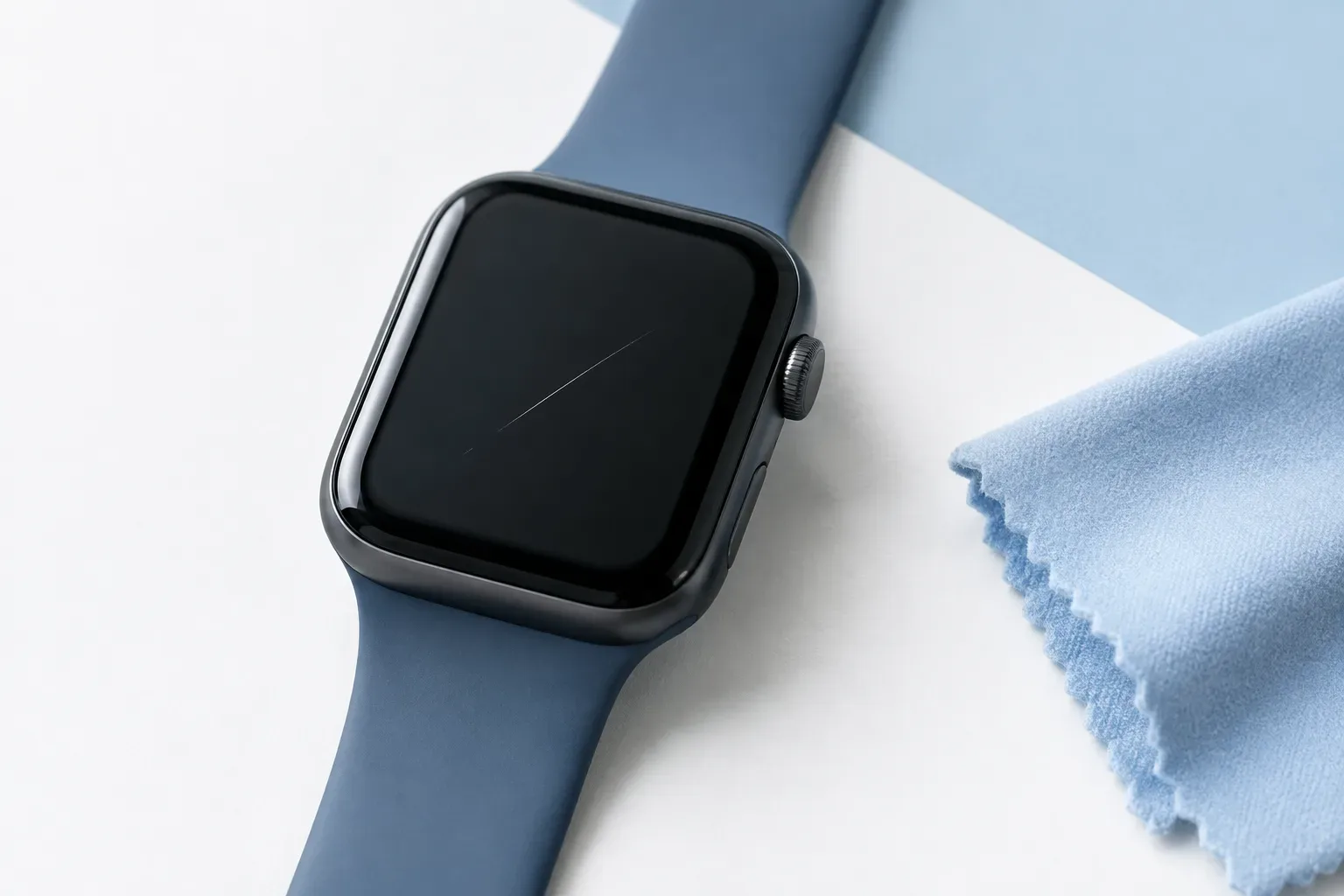
Read articlePhotograph the mark’s location and appearance, and note the circumstances and any operating symptoms. A guide to documenting a hairline scratch on your Apple Watch display before an assessment.
Read articleSE 3, Series 12 or Ultra 4? Compare size, battery life, features and compatibility to choose a watch that suits the way you use it.
Read article